All tools
Image & Design Checked Oct 10, 2026

Pokecut Background Blur

Blur a photo background in the browser while keeping the subject clear.

Best for: People who need one quick background or bokeh edit without learning a full photo editor.

Pokecut Background Blur
Access
Previously listed as free tier
Useful?

What you can do with it

  • Soften a portrait background
  • Create a bokeh product photo
  • Reduce distractions behind a subject
  • Make a profile image cleaner
  • Prepare a quick social visual

Good to know

  • Focused one-task workflow
  • Browser based
  • Adjustable blur range
  • Useful for portraits and product photos

Limitations

  • Free credits can be limited
  • Fine masking control is simpler than a full editor
  • Large batches may need a paid plan

Other official links

Keep exploring

Similar tools

View more

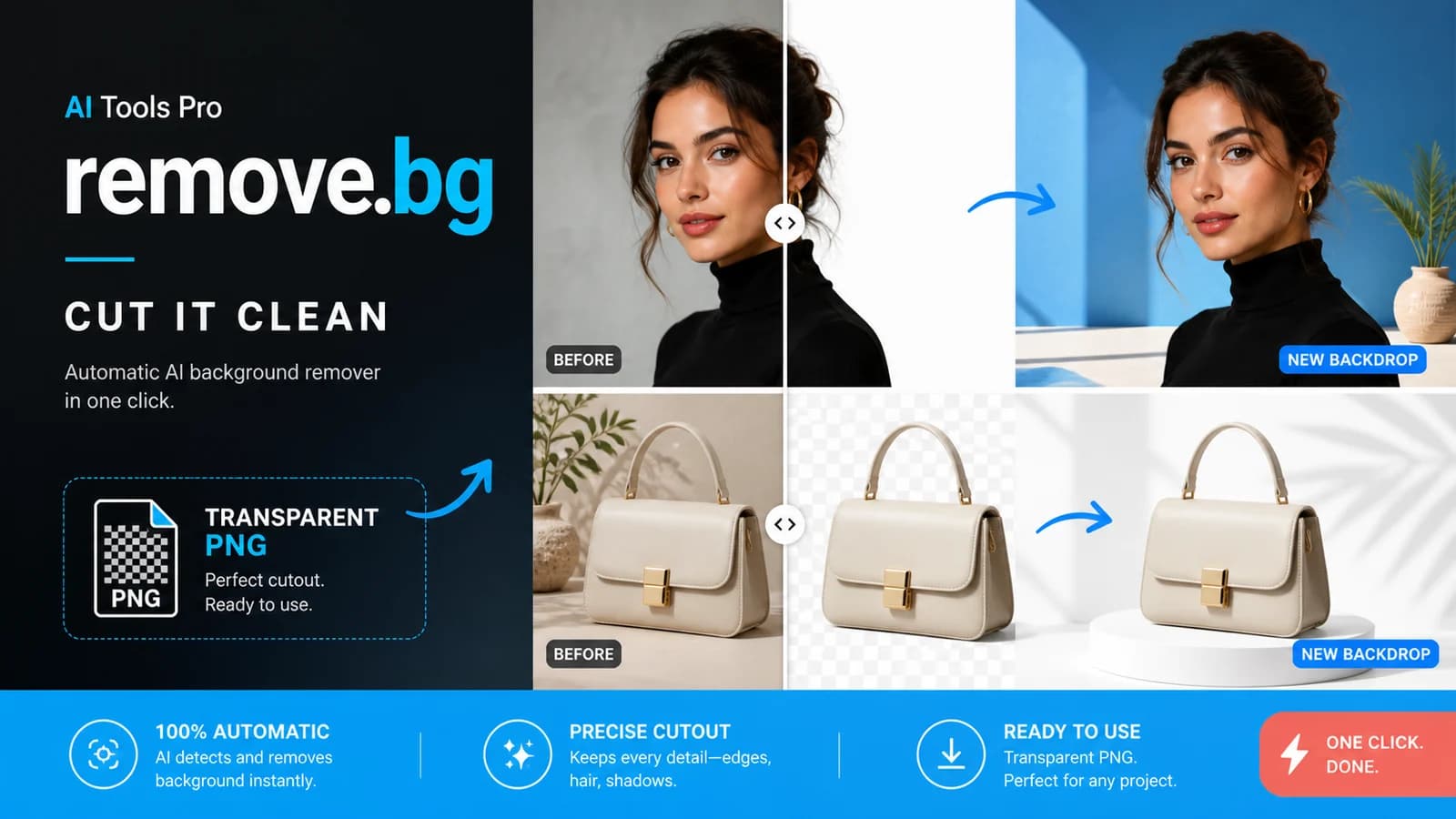
remove.bg

Previously listed as free tier · not rechecked

An automatic background remover that creates clean cutouts and transparent PNGs in seconds.

Image & Design

Pixelcut

Previously listed as free tier · not rechecked

Create clean product photos and marketing visuals with AI background removal, editing, upscaling, and batch workflows.
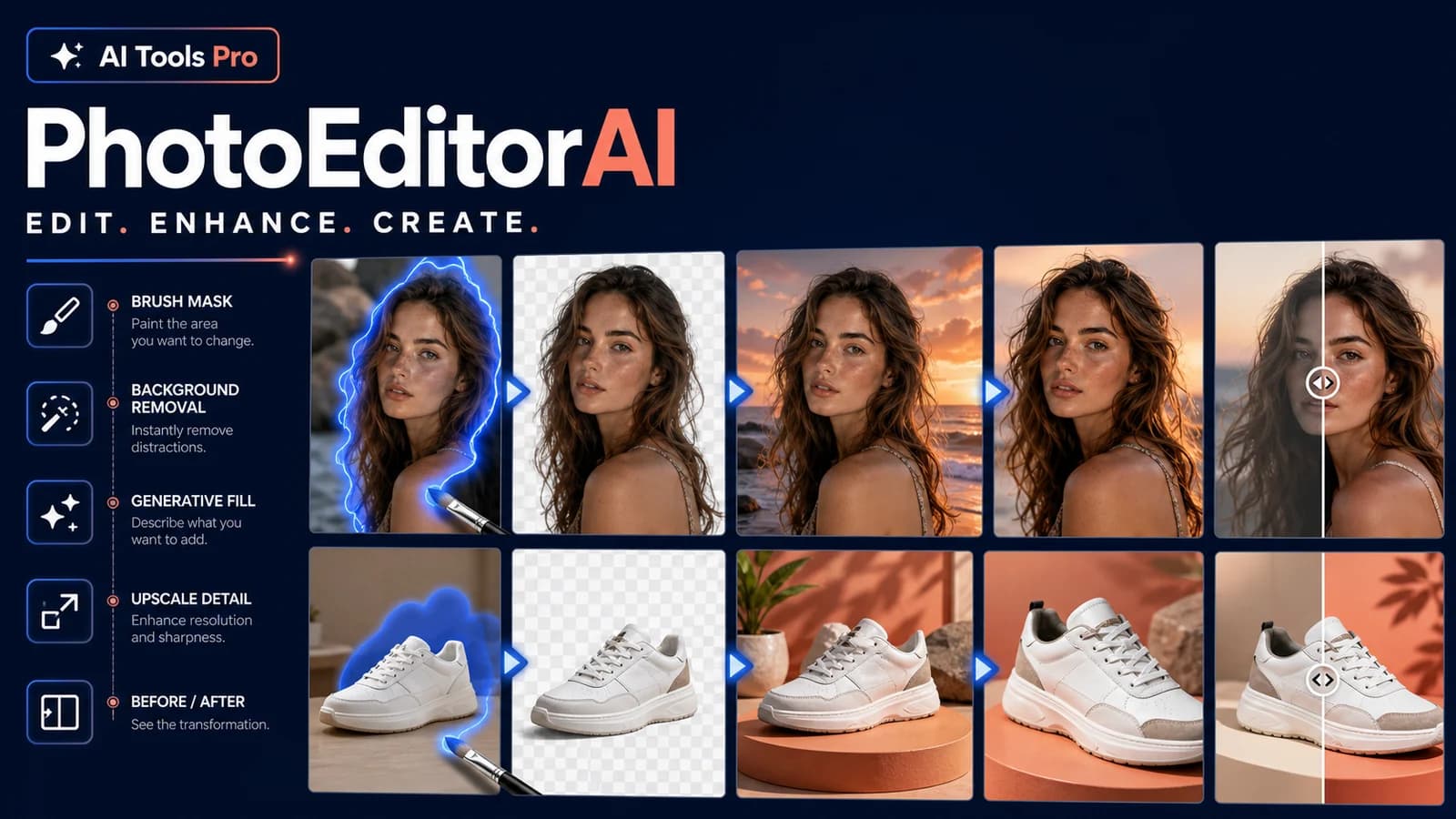
Image & Design

PhotoEditorAI

Previously listed as free tier · not rechecked

A browser photo editor that uses text prompts, masks, and multiple image models for edits, background changes, restoration, enhancement, an...

Image & Design