All tools
Audio & Voice Checked Oct 23, 2026

VoiceMaker

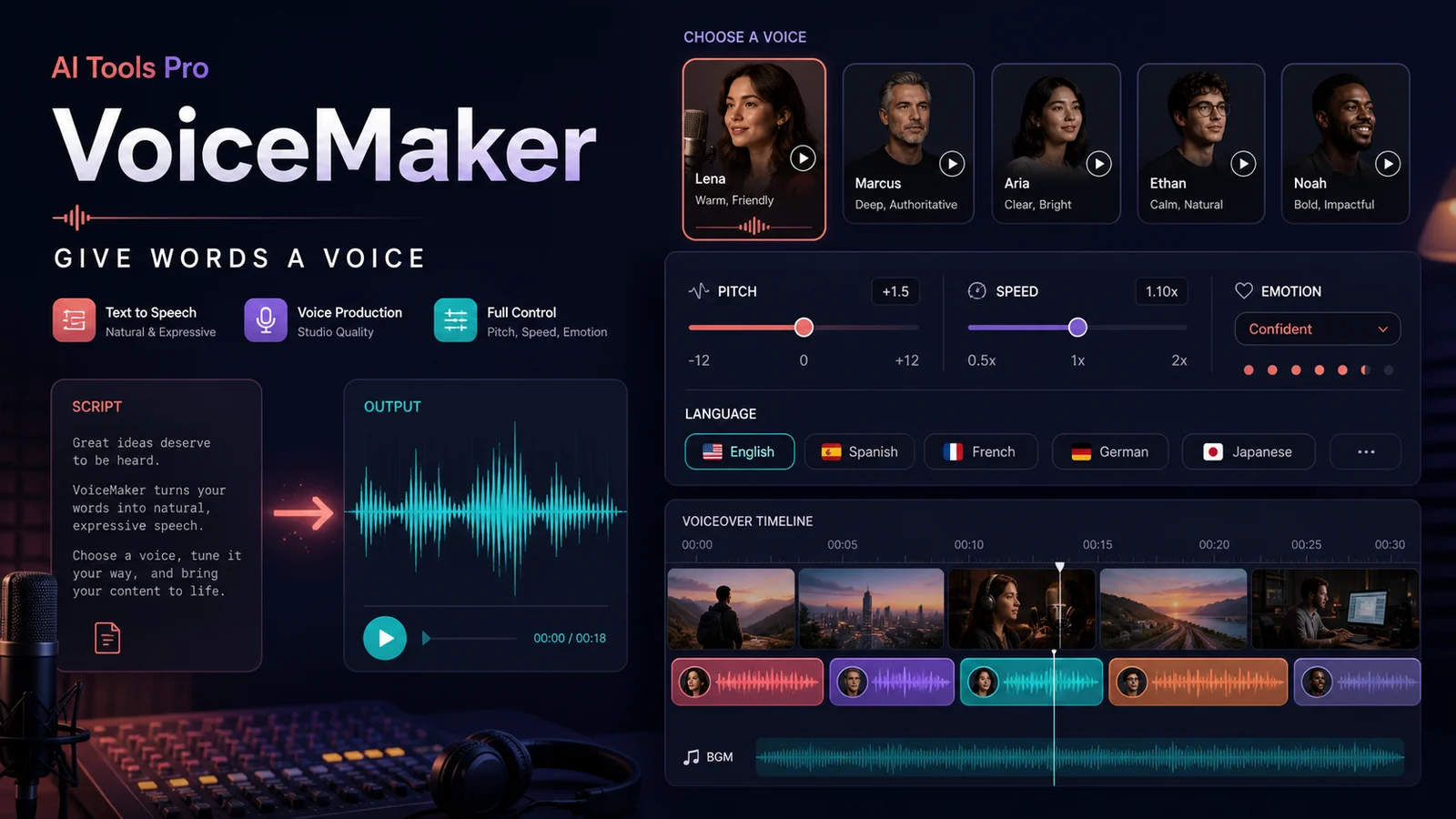
A controllable text-to-speech and voice-production studio for turning scripts into natural-sounding audio in many languages.

Best for: Creators, educators, video makers, podcasters, and developers who need quick narration with control over voice, speed, pitch, pauses, emphasis, and effects.
VoiceMaker
Access
Previously listed as free tier
Useful?

What you can do with it

  • Turn a short script into narration for a video or explainer
  • Create multilingual voice drafts with adjustable speed, pitch, and emphasis
  • Build a voiceover timeline with music and effects before exporting the final audio

Good to know

  • Free monthly allowance makes it easy to test narration workflows
  • Lots of practical controls for voice, language, pacing, and emphasis
  • Useful for video narration, lessons, podcasts, and multilingual drafts

Limitations

  • Free plan limits characters per conversion and voice access
  • Commercial rights and advanced features depend on the paid tier
  • Synthetic voice quality and pronunciation still need a listening pass

Other official links

Keep exploring

Similar tools

View more

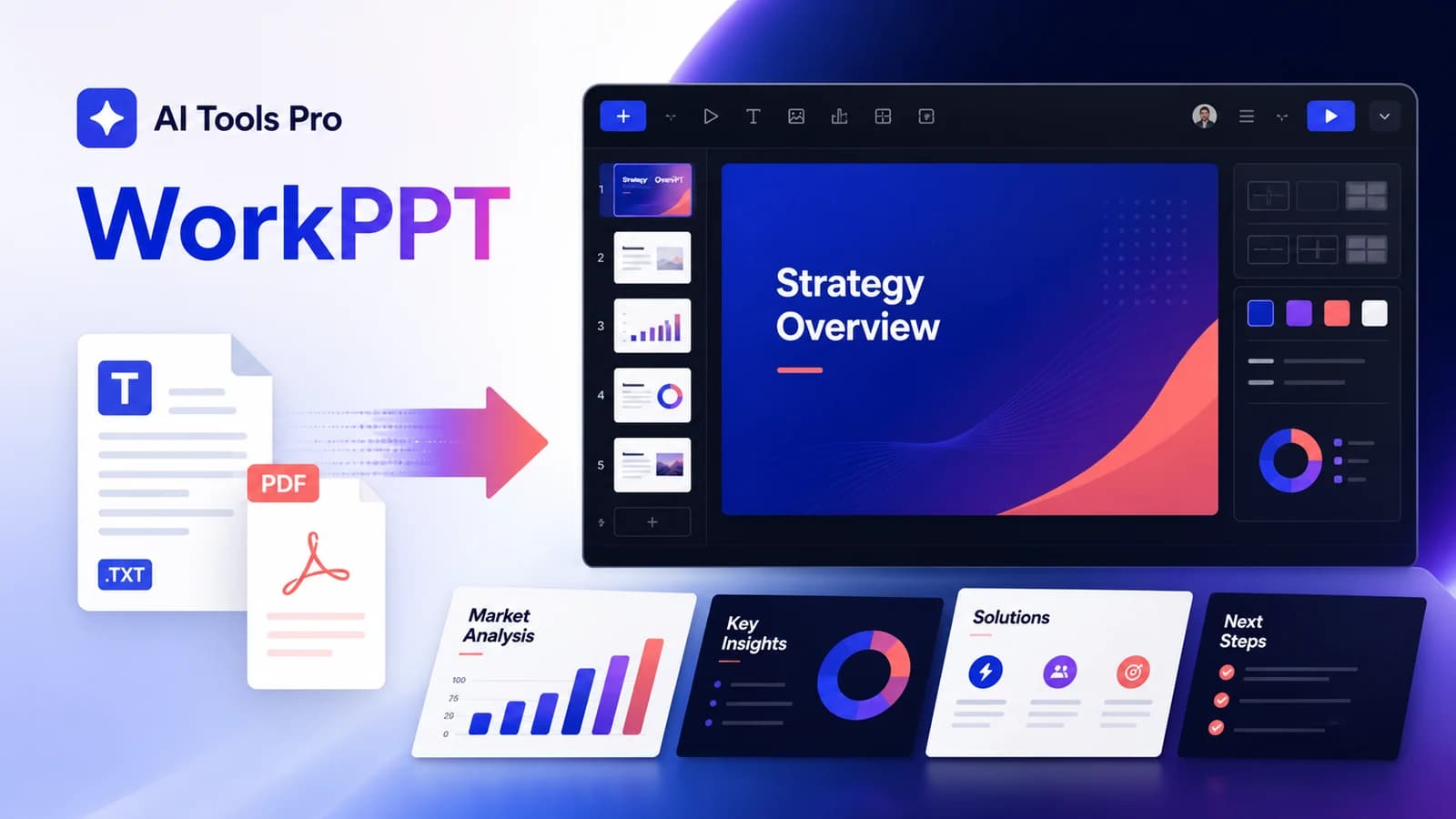
WorkPPT

Previously listed as free tier · not rechecked

A document-to-deck workspace that turns text, PDFs, Word files, Excel files, or images into editable presentations.
Business & Automation

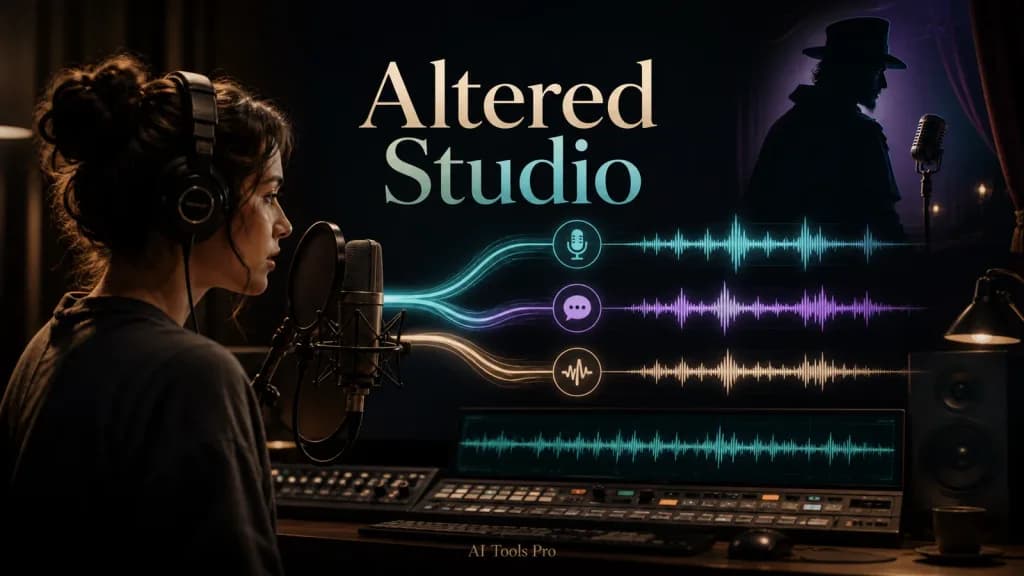
Altered Studio

Previously listed as free tier · not rechecked

Keep the performance, change or clean the voice, and finish the audio in one workspace.

Audio & Voice

Kokoro-82M

Previously listed as free · not rechecked

Generate natural speech locally or in a public demo with a small open-weight TTS model.

Audio & Voice